

Every agency knows the pain: it’s the last week of the month, you’re pulling data from five different tools, reformatting spreadsheets, and trying to build a coherent story for a client who just wants to know if their rankings improved.
The right SEO reporting tool eliminates that grind. It automates data collection, formats client-ready reports, and gives you something you can send at 9am instead of staying up until midnight. But “reporting tool” means something very different depending on whether you’re a solo consultant with three clients or an agency managing 50 accounts.
We’ve tested and ranked 12 platforms — all-in-one SEO suites, dedicated dashboarding tools, and specialized local SEO reporters — with a focus on what matters most to agencies: white-label options, multi-client scalability, automation, and the ability to show clients real ROI.
Quick Picks by Agency Type
| Agency Type | Best Tool | Why |
|---|---|---|
| Multi-client agency (10+ clients) | AgencyAnalytics | Built for multi-client reporting from the ground up; fastest setup |
| Full-service SEO agency | Semrush | All-in-one: research + rank tracking + white-label reports in one platform |
| Budget-conscious agency | SE Ranking | Best feature-to-price ratio; white-label on Pro plan |
| Local SEO specialist | BrightLocal | Only tool with GBP audit + citation + local rank tracking in one report |
| Data-driven / custom dashboards | Looker Studio | Free; blends GSC, GA4, and any other data source into one view |
| Visual client reporting | Whatagraph | Most visually polished automated reports; great for client-facing decks |
| Technical SEO specialist | Screaming Frog + Looker Studio | Screaming Frog exports feed directly into Looker Studio templates |
Full Comparison at a Glance
| Tool | Best For | White-Label | Starting Price | Multi-Client |
|---|---|---|---|---|
| Semrush | Full-service agencies | Yes (Guru+) | $139.95/mo | Yes |
| Ahrefs | Link-focused agencies | Limited | $129/mo | Yes |
| Moz Pro | SMB agencies | Yes (Medium+) | $99/mo | Yes |
| SE Ranking | Budget-first agencies | Yes (Pro+) | $65/mo | Yes |
| AgencyAnalytics | Multi-client reporting | Yes (all plans) | $59/mo | Core feature |
| DashThis | Quick client dashboards | Yes (all plans) | $45/mo | Yes |
| Databox | Executive BI reporting | Add-on | $49/mo | Yes |
| Looker Studio | Custom dashboards | Yes | Free | Yes |
| BrightLocal | Local SEO agencies | Yes (SEO Pro+) | $39/mo | Yes |
| Screaming Frog | Technical SEO audits | No | £199/year | No |
| SEO PowerSuite | Desktop-based agencies | Yes (Enterprise) | $299/year | Yes |
| Whatagraph | Visual client reports | Yes (all plans) | $199/mo | Core feature |
1. Semrush
Semrush is the closest thing to a single platform that handles everything: competitive analysis, site audits, rank tracking, backlink monitoring, and automated client reporting. For agencies that don’t want to stitch together multiple tools, it’s the most comprehensive option on the market.
Its reporting suite scales with your plan. At the Guru level ($249.95/mo), you unlock historical data and a native Looker Studio connector — letting you build dynamic dashboards that blend Semrush data with Google Analytics. The Business plan ($499.95/mo) adds API access for full data integration into your own systems. White-label PDF reports are available on Guru and above.
The biggest advantage for agencies is the scheduled, automated report delivery. Set up a recurring report once, and it arrives in your client’s inbox without you touching it.
- Pros:
- Covers research, auditing, tracking, and reporting in one platform
- Strong competitive intelligence for client strategy calls
- Looker Studio connector on Guru+ for custom dashboards
- Cons:
- White-label reporting locked behind $249.95/mo Guru plan
- Cost escalates fast when adding users or API access
Check — Detailed SEMrush review with full features, pros, cons, and pricing.
2. Ahrefs
Ahrefs built its reputation on the best backlink index in the industry, and that data advantage flows directly into its reporting. If your agency’s core deliverable is link building, competitor gap analysis, or content performance tracking, Ahrefs gives you cleaner data for those specific reports than any other tool.
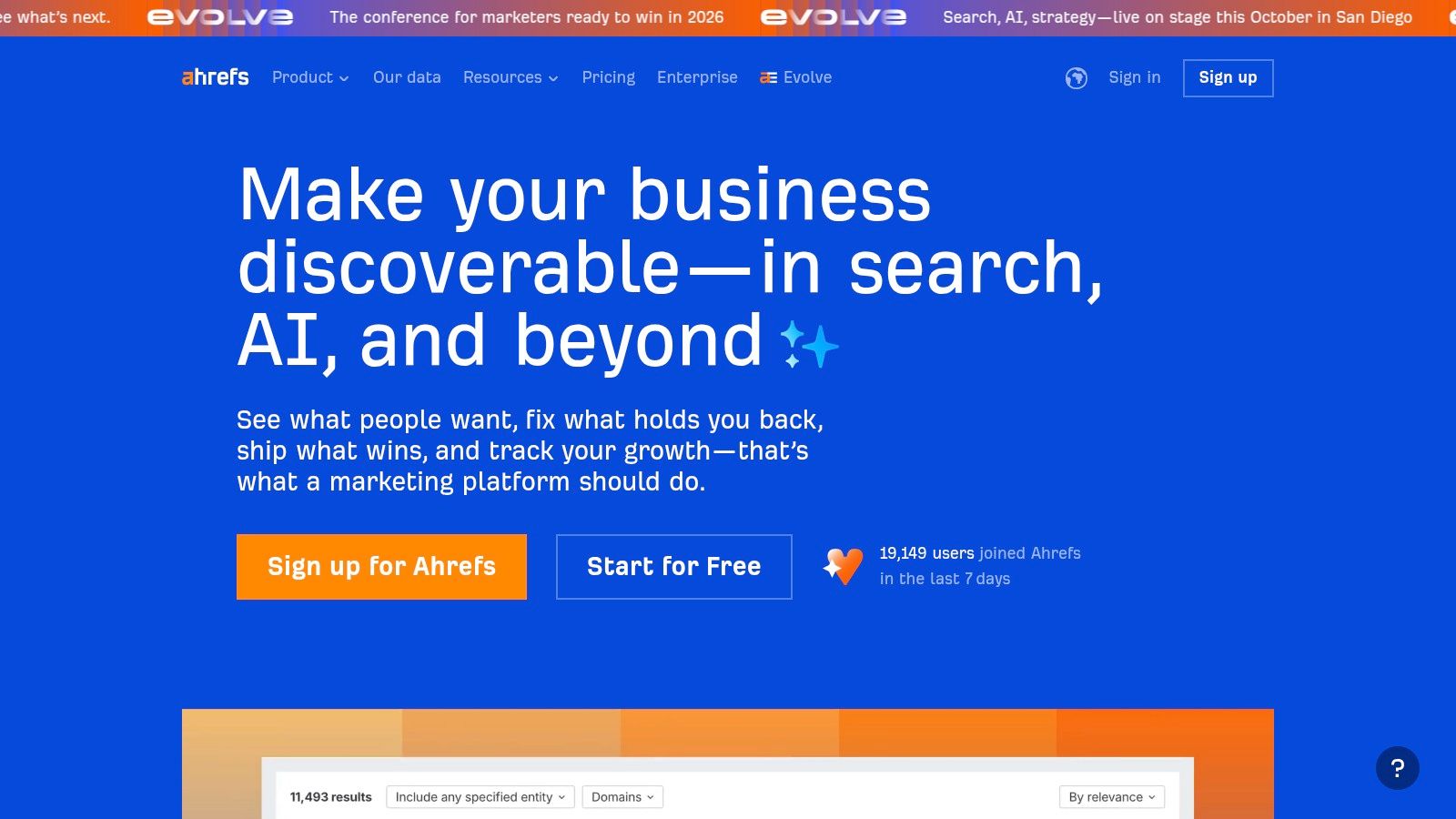
Native client reporting in Ahrefs is more limited compared to AgencyAnalytics or Semrush — it’s designed for in-platform analysis rather than polished deliverables. The workaround most agencies use is Ahrefs’ Looker Studio connector (available on Standard and above), which lets you build branded dashboards pulling Ahrefs data alongside Google Search Console.
Pricing: Lite $129/mo, Standard $249/mo, Advanced $449/mo. The Looker Studio connector requires Standard or above.
- Pros:
- Best backlink index for link building and competitive research
- Intuitive interface — easy to screenshot data for client decks
- Excellent historical data for showing client progress over time
- Cons:
- No native white-label PDF reports (you need Looker Studio)
- Looker Studio connector gated behind $249/mo Standard plan
Check — Detailed Ahrefs Review
3. Moz Pro
Moz Pro’s advantage isn’t raw data volume — it’s clarity. For agencies whose clients aren’t SEO-savvy, Moz produces reports that explain what the numbers mean rather than just displaying them. Domain Authority and Page Authority are also the most widely recognized third-party metrics in client conversations, which helps when justifying link building investment.
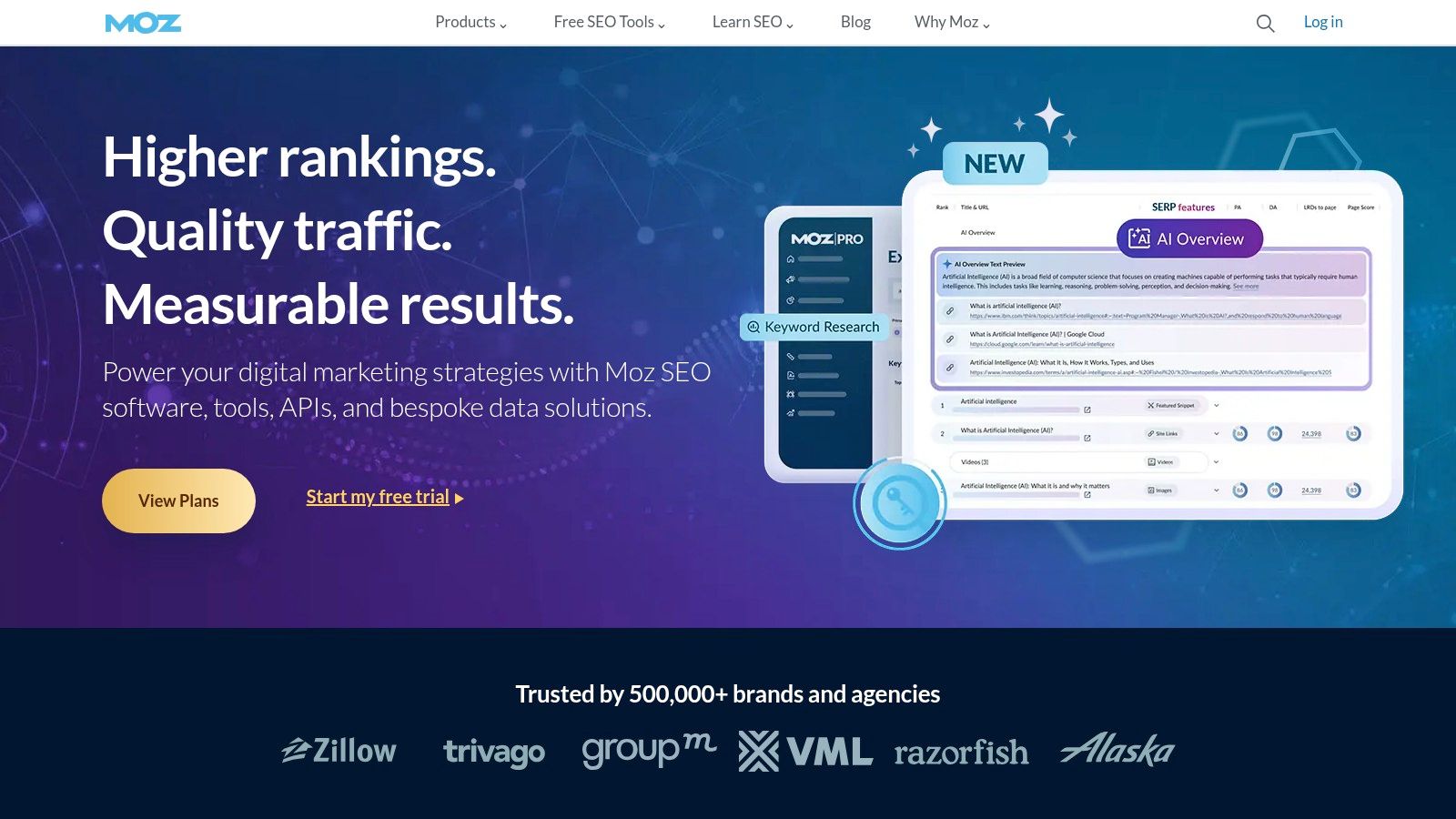
Campaign-based reporting tracks site health, link building, and keyword rankings over time. Branded PDF reports with scheduled delivery are unlocked at the Medium plan ($179/mo) — the essential tier for any agency using it for client work. The Standard plan ($99/mo) is fine for internal reporting but lacks the branding features agencies need.
- Pros:
- DA/PA metrics are widely understood by non-SEO clients
- Clean reports that don’t overwhelm clients with data
- Good local SEO tracking and on-page recommendations
- Cons:
- Backlink index is smaller than Ahrefs or Semrush
- Branded reports require Medium plan ($179/mo)
Check — Detailed Moz Review
4. SE Ranking
SE Ranking is the value pick for agencies that need professional reporting features without paying Semrush prices. Its Pro plan ($109/mo) includes unlimited scheduled reports, full white-labeling, a Looker Studio integration, and API access — features that Semrush locks behind plans costing twice as much.
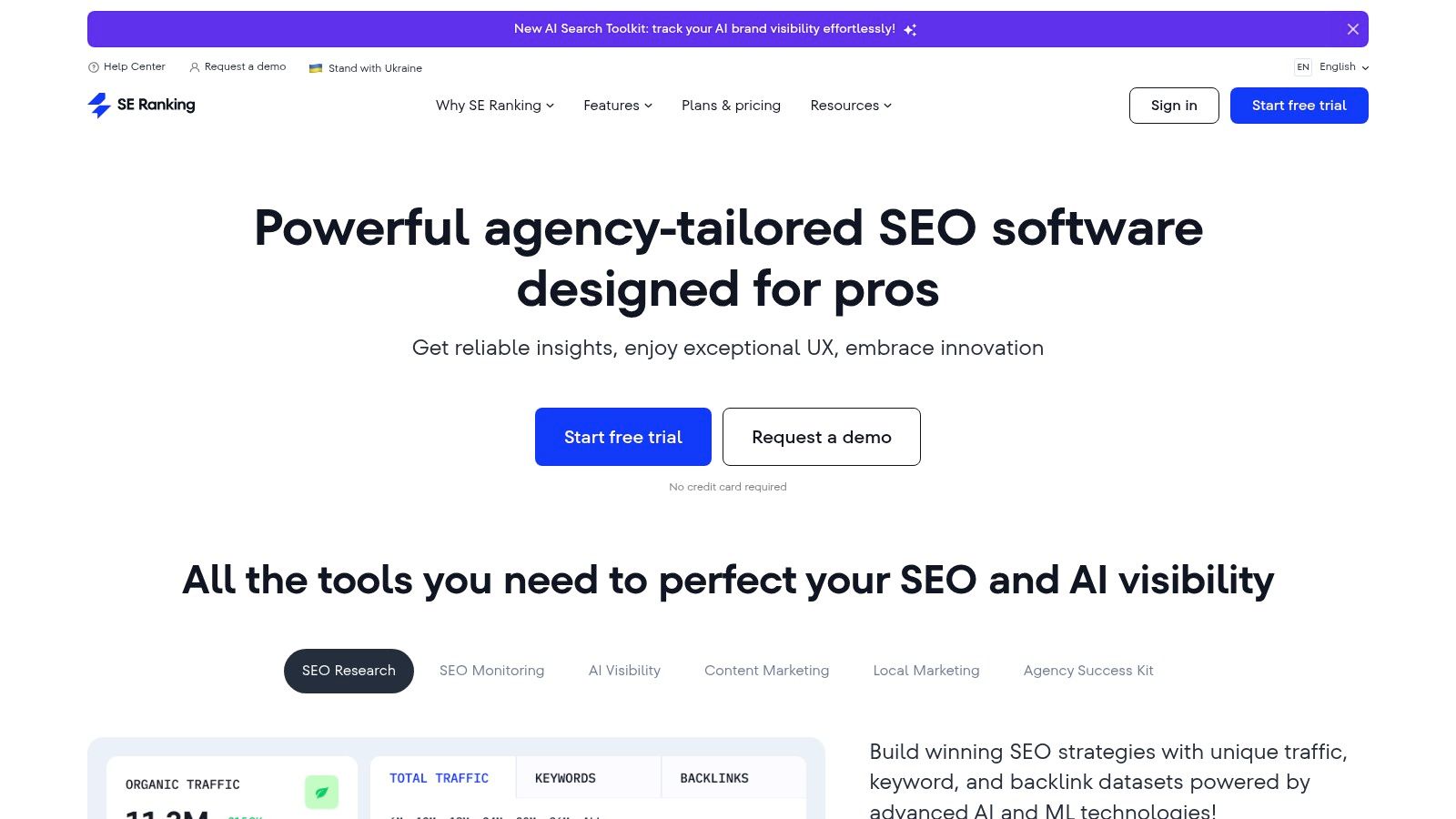
The AI-powered report summaries are genuinely useful — they translate performance data into plain-language insights that you can paste directly into a client email. SE Ranking also includes Share of Voice metrics, which are increasingly important for showing clients how their visibility is trending against competitors, not just absolute rankings.
The Essential plan ($65/mo) covers basic reporting. The Pro plan ($109/mo) unlocks the full agency toolkit. Business ($239/mo) is for larger-scale operations.
- Pros:
- White-label reports + API + Looker Studio on the $109/mo Pro plan
- AI summaries save time on monthly reporting narratives
- Strong value — equivalent features cost 2x more at Semrush
- Cons:
- Backlink database is smaller than Semrush or Ahrefs
- Slight learning curve for new users
5. AgencyAnalytics
AgencyAnalytics is purpose-built for agencies managing multiple clients. Its entire workflow — from connecting data sources to delivering branded reports — is designed to minimize time per client account. You can pull data from 80+ marketing platforms (Google Analytics, Search Console, Ahrefs, Facebook Ads, and more) into one dashboard and deploy a templated report to a new client in minutes, not hours.
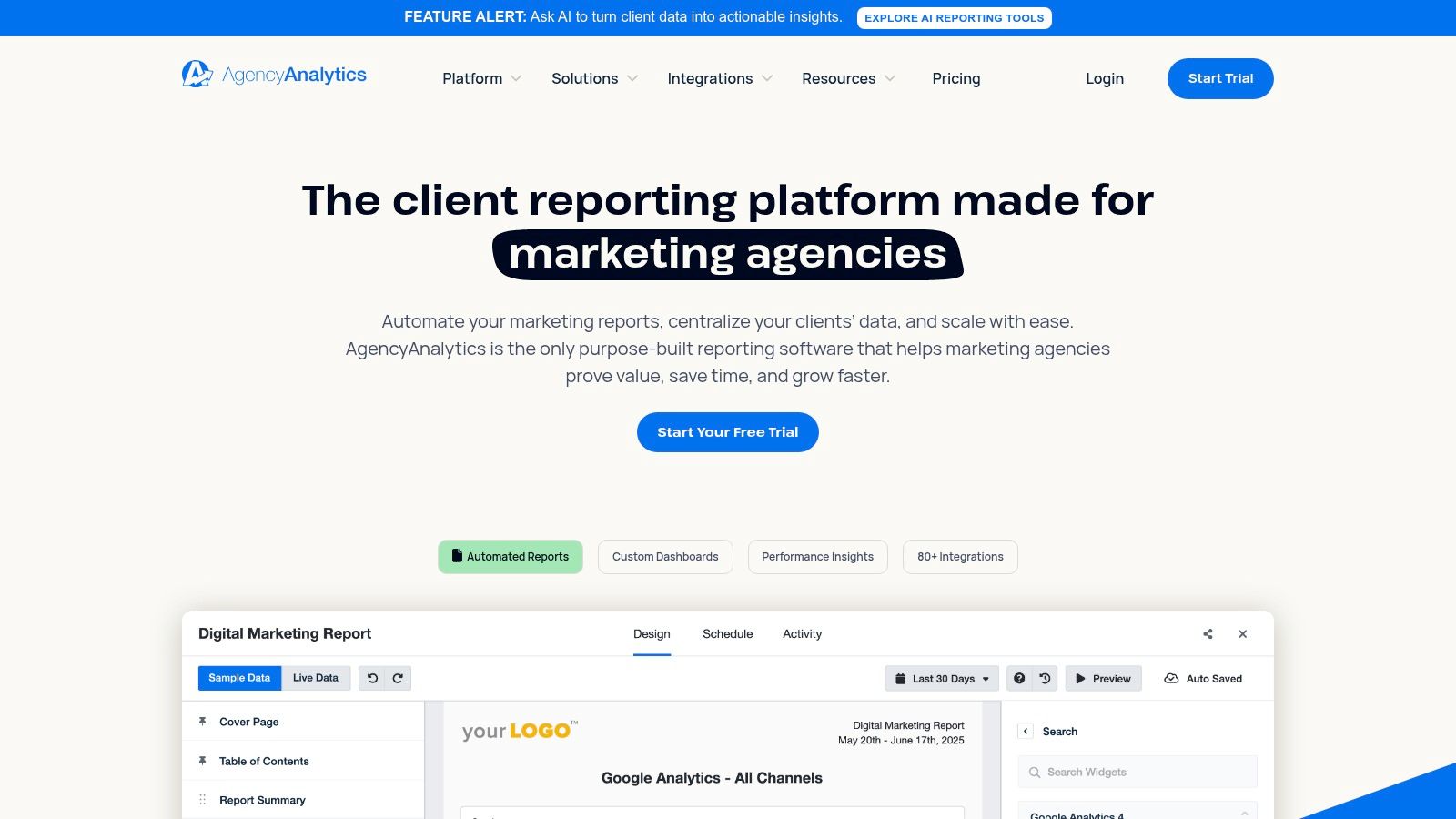
The client portal is a significant differentiator: clients get their own branded login to view performance data anytime, reducing the “how are my rankings doing?” Slack messages. White-labeling is available on all plans, not just premium tiers.
Pricing is based on the number of client campaigns: Freelancer $49/mo (10 campaigns), Agency $99/mo (15 campaigns), Agency Pro $499/mo (unlimited, with custom metrics and forecasting). Enterprise adds API and SSO.
- Pros:
- Fastest setup for multi-client reporting
- White-label client portals on all plans
- 80+ integrations — covers most agency marketing stacks
- Cons:
- No deep SEO research tools — you still need Ahrefs/Semrush for analysis
- Per-campaign pricing can get expensive at scale
6. DashThis
DashThis does one thing well: turning data from multiple sources into clean, client-ready reports without a steep learning curve. It’s not a research tool — it’s a presentation layer for your existing data, pulling from Google Analytics 4, Search Console, ad platforms, and social channels into visually polished templates.
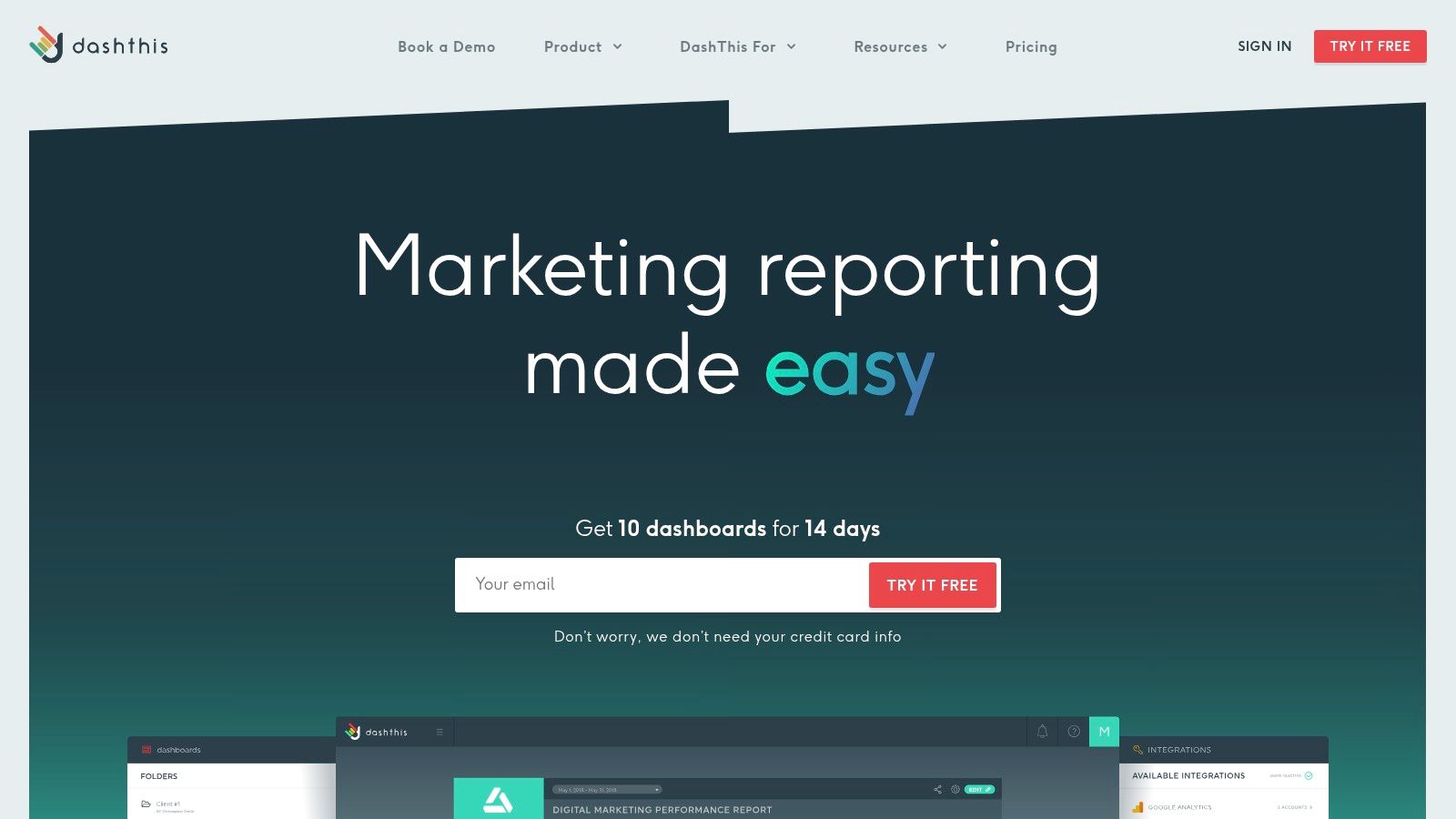
The value for non-technical team members is real: drag-and-drop widgets, pre-built KPI templates, and automated PDF delivery via email. White-labeling is included on every plan, and pricing is based on dashboard count rather than user seats — predictable and easy to budget.
Individual plan: $45/mo for 3 dashboards. Professional: $139/mo for 10 dashboards. All plans include unlimited integrations and users.
- Pros:
- Fastest reports for non-technical team members
- White-label included on all plans
- Flat pricing by dashboard count — no per-seat surprises
- Cons:
- No SEO research capabilities — reporting only
- Dashboard count pricing adds up for agencies with many clients
7. Databox
Databox brings a business intelligence approach to reporting: it connects 130+ data sources into a single dashboard, adds AI-powered insights and forecasting, and produces executive-level visualizations that tie SEO performance to broader business outcomes. If your clients want to see organic traffic alongside ad spend and revenue in one view, Databox is the right tool.
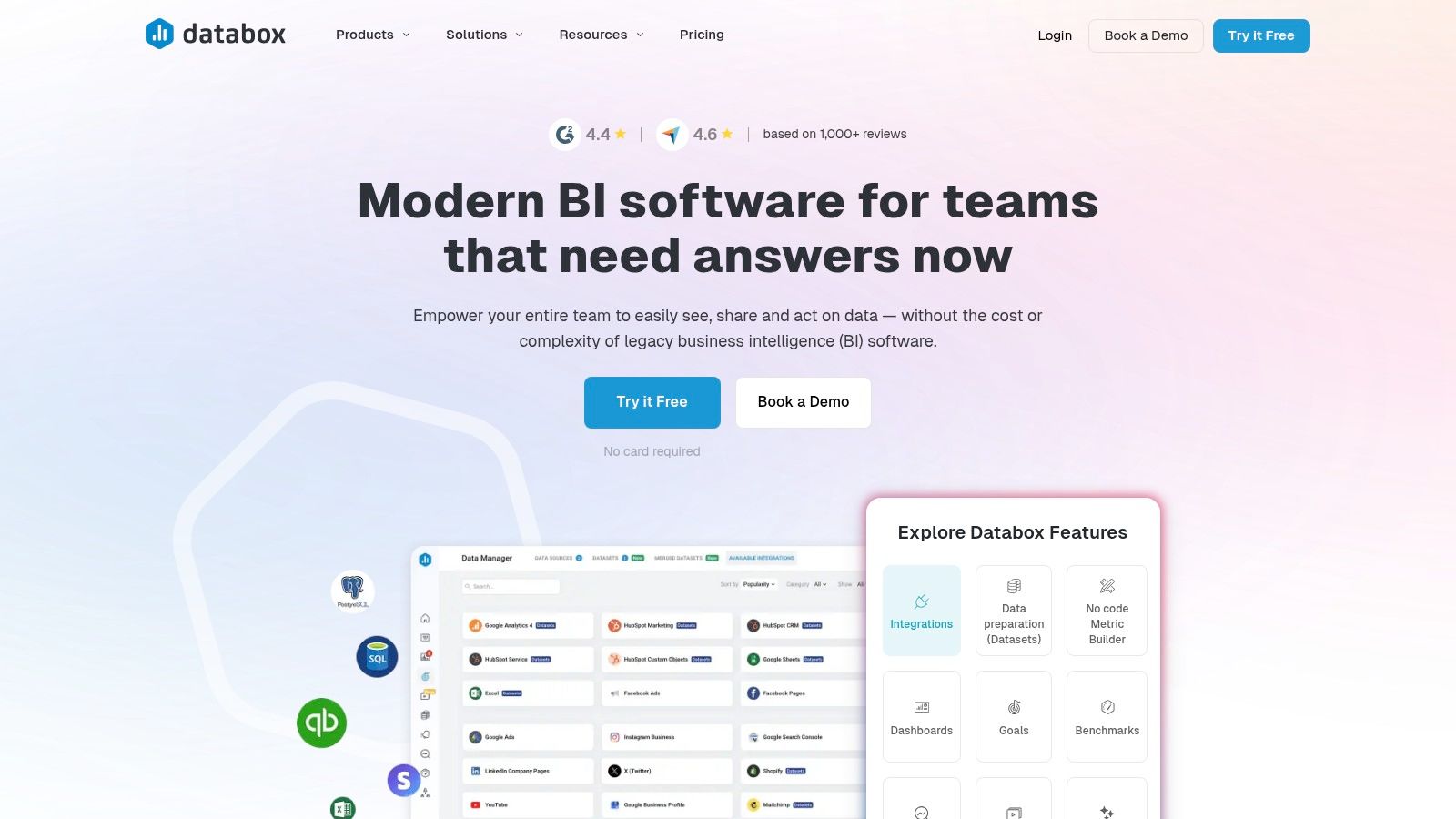
Note: Databox’s free plan was retired in 2025. Paid plans now start at the Starter level ($49/mo) and scale by the number of data connections and reporting frequency. The white-label add-on is available for agencies. Advanced connectors for SQL databases and API integrations are on higher-tier plans.
- Pros:
- 130+ integrations for true cross-channel reporting
- AI forecasting and automated performance summaries
- Best for showing SEO’s impact on business revenue
- Cons:
- White-label is an add-on, not included in base plans
- Complex setups require more time to configure correctly
8. Looker Studio (formerly Google Data Studio)
Looker Studio is the most flexible reporting option on this list, and it’s free. Its native integration with Google Analytics 4, Google Search Console, and BigQuery makes it the default choice for agencies deeply embedded in the Google ecosystem — you can build reports that show the full funnel from organic impressions to on-site conversions without paying for a connector.
The trade-off is setup time. Pulling in non-Google data (Ahrefs, Semrush, social platforms) requires paid third-party connectors from tools like Supermetrics or Porter Metrics. The initial build takes longer than a template-based tool like DashThis, but once a template is built, deploying it to new clients is fast.
Core platform: free. Third-party connectors: $15–$99/mo depending on the provider. Looker Studio Pro: available for enterprise teams, focused on governance rather than new reporting features.
- Pros:
- Free with unlimited reports and dashboards
- Native GSC and GA4 integration with zero extra cost
- Fully customizable — no limits on design or data blending
- Cons:
- Third-party connectors add monthly costs
- Higher setup time vs. template-based tools
- Performance degrades with very large datasets
9. BrightLocal
For agencies with local SEO clients, BrightLocal is in a category of its own. No other tool combines local rank tracking (Google, Apple Maps, Bing Maps), Google Business Profile auditing, citation management, and review monitoring into a single client-ready report. Trying to replicate this in a general-purpose tool requires stitching together four separate data sources.
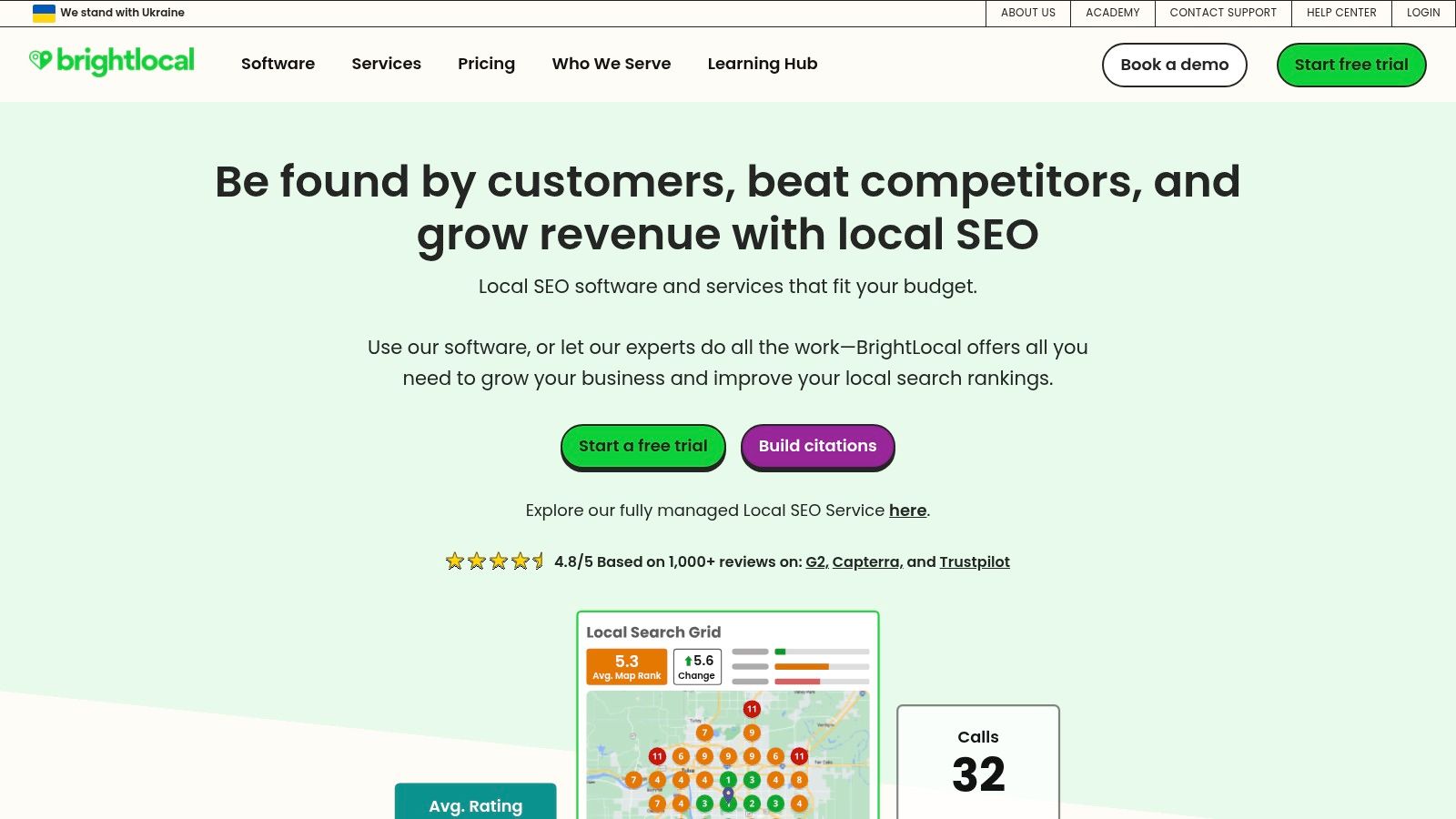
White-label reporting is available on the SEO Pro plan ($79/mo) and above. Reports can be scheduled and delivered directly to clients. Pricing is location-based: Single Business ($39/mo, up to 3 locations), SEO Pro ($79/mo, up to 10 locations). Higher tiers expand location count for agencies managing multi-location clients.
- Pros:
- Only tool with full local SEO reporting in one place
- Granular rank tracking for organic, Maps, and mobile results
- Transparent, location-based pricing that scales cleanly
- Cons:
- Not useful for national or international SEO campaigns
- Less comprehensive for non-local SEO metrics
If you’re running local SEO campaigns, understanding how to structure local SEO services alongside the data BrightLocal provides is what separates winning agencies from the rest.
10. Screaming Frog SEO Spider
Screaming Frog is not a client reporting tool — it’s a technical audit engine. But the depth of its crawl data makes it irreplaceable for agencies doing serious technical SEO work. It finds broken links, redirect chains, duplicate content, missing meta data, canonical issues, and structured data errors at a level no SaaS platform matches.
For reporting, the workflow is: crawl with Screaming Frog → export to CSV or connect to Looker Studio via their pre-built templates → present findings in a branded dashboard. It integrates with Google Analytics, Search Console, and PageSpeed Insights to overlay performance data on crawl findings.
The free version crawls up to 500 URLs. The paid license (£199/year) unlocks unlimited crawls, scheduling, API integrations, and Looker Studio templates. At roughly $250/year, it’s the most cost-effective tool on this list for the depth of data it provides.
- Pros:
- Unmatched depth for technical SEO audits
- Cost-effective flat annual fee
- Looker Studio templates turn crawl data into client-ready reports
- Cons:
- Desktop app — not cloud-based, requires your machine’s resources
- Data volume can overwhelm clients without proper presentation
Technical SEO is most valuable when paired with a broader strategy. Learn how technical SEO services translate crawl data into measurable ranking improvements.
11. SEO PowerSuite
SEO PowerSuite’s unique proposition is its pricing model: one annual fee ($299/year Professional, $499/year Enterprise) instead of monthly SaaS subscriptions. For agencies with tight margins or clients paying fixed retainers, eliminating a $200-500/month recurring cost is material.
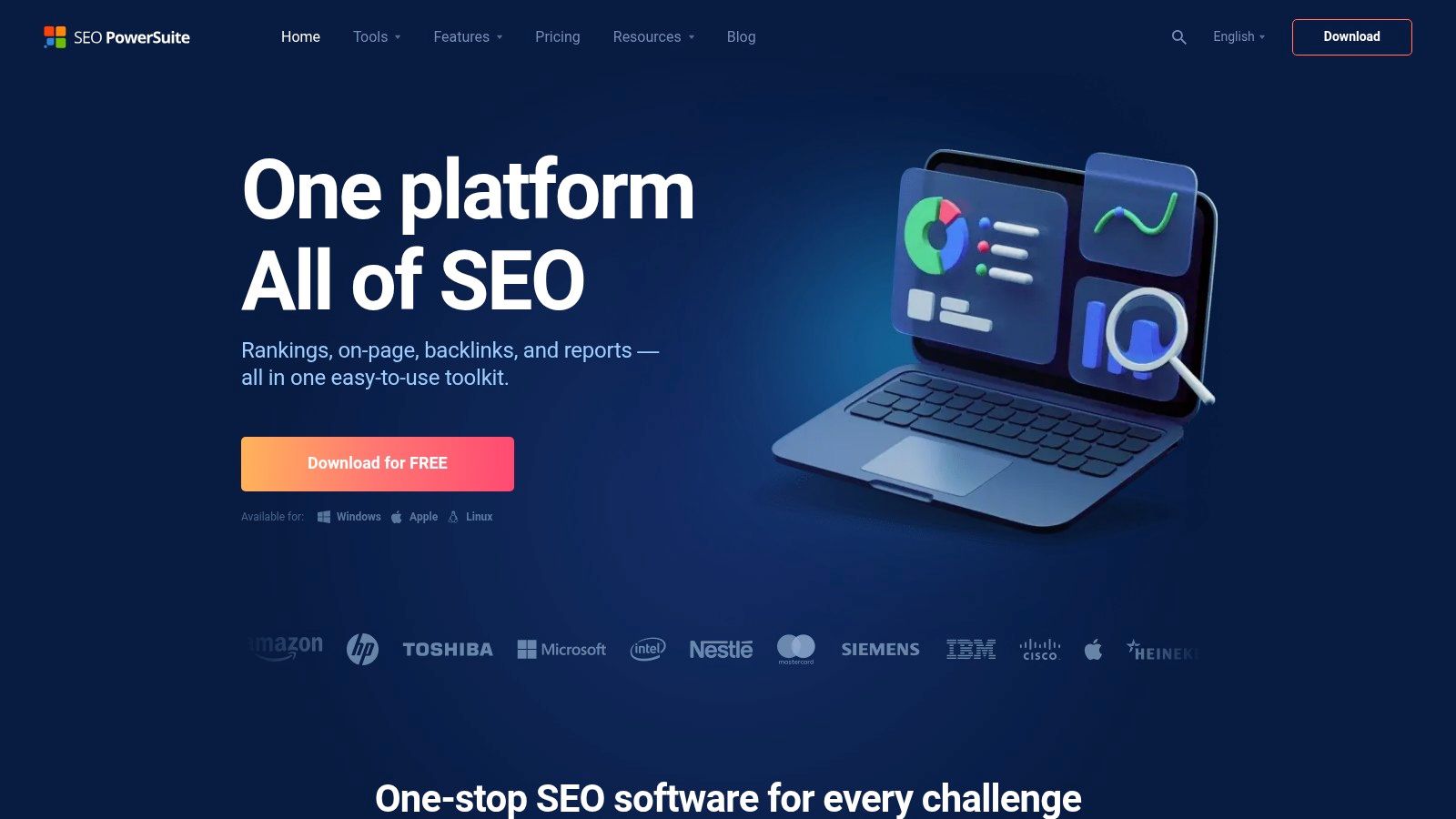
The Enterprise license ($499/year) unlocks full white-label reporting, scheduled report delivery, and unlimited keyword and website tracking across all four desktop apps (Rank Tracker, WebSite Auditor, SEO SpyGlass, LinkAssistant). The trade-off is the desktop-based workflow — collaboration and real-time data sharing are more cumbersome than cloud-based alternatives.
- Pros:
- Annual flat fee — significantly cheaper than equivalent SaaS plans
- Unlimited sites and keyword tracking on all paid plans
- Full white-label reporting on Enterprise ($499/year)
- Cons:
- Desktop-based — harder to collaborate across a remote team
- No cloud storage for live sharing with clients
12. Whatagraph
Whatagraph is the most visually polished reporting tool on this list. If your agency’s reputation depends on presenting data in a way that looks as good as the results you’re delivering, Whatagraph is built for that. It pulls data from 45+ sources — Google Analytics, Search Console, Facebook Ads, LinkedIn, Google Ads — and formats it into reports that look like they were designed by a graphic designer, not exported from a spreadsheet.
Every plan includes full white-labeling, custom domain delivery, and automated scheduled reports. The focus on design makes it especially effective for clients who respond to visual storytelling over raw data tables. Unlike AgencyAnalytics, which is built around multi-client efficiency, Whatagraph is built around making each individual report impressive.
Pricing: Marketing plan ($199/mo) is the standard agency starting point. Premium ($299/mo) adds advanced features including data blending and custom metrics. Enterprise pricing is available for large agencies.
- Pros:
- Most visually impressive automated reports on the market
- White-label and custom domain on all plans
- 45+ integrations cover most agency data sources
- Cons:
- Higher starting price ($199/mo) than most competitors
- Not a research tool — you still need Ahrefs/Semrush for analysis
- Fewer integrations than AgencyAnalytics (45 vs 80+)
How to Choose an SEO Reporting Tool for Your Agency
The right tool depends on where your agency’s biggest inefficiency sits. Here’s a framework for making the decision:
1. Map Your Reporting Workflow
Write out how a monthly report gets produced right now: who does it, which tools they pull from, how long it takes, and where mistakes happen. Most agencies either waste time on data collection (they need a connector tool like AgencyAnalytics or DashThis) or on data analysis (they need a research tool like Semrush or Ahrefs that also reports). These are different problems with different tools.
2. Separate Your Research Tool from Your Reporting Tool
The best agencies use a research platform (Semrush or Ahrefs) for strategy and a reporting platform (AgencyAnalytics or Looker Studio) for client deliverables. Trying to use one tool for both is the most common mistake — you end up with reports that are either too technical for clients or research that’s constrained by the reporting template.
3. Decide Your White-Label Requirement
If every client-facing report needs to be branded (your logo, your color palette, your domain), white-labeling isn’t optional — it’s a baseline requirement. Cross off any tool that doesn’t include it on your target plan before evaluating features.
4. Calculate True Cost at Scale
Most tools look affordable at 5 clients but get expensive at 25. AgencyAnalytics charges per campaign, Whatagraph per data source volume, Semrush per user seat. Model your cost at your current client count and at 2x growth before committing.
5. Audit Your Client’s Real Questions
The best reporting tool is the one that answers the questions your clients actually ask: “Are my rankings improving?” (rank tracker), “Is my GMB getting more calls?” (BrightLocal), “Is SEO driving revenue?” (Databox or Looker Studio with GA4). Match the tool to the questions, not to the feature list on a comparison website.
Frequently Asked Questions
What’s the best SEO reporting tool specifically for agencies?
For pure reporting efficiency across multiple clients, AgencyAnalytics is the best-built tool — it’s designed from the ground up for multi-client workflows with white-label portals, 80+ integrations, and fast template deployment. If you need research capabilities alongside reporting, Semrush is the most complete all-in-one platform despite its higher cost.
Do I need a separate reporting tool or does my SEO tool already include reporting?
Most SEO research tools (Semrush, Ahrefs, SE Ranking) include some reporting functionality, but the reports are often tool-centric rather than client-centric — they show what the tool tracks, not what your client cares about. Dedicated reporting tools like AgencyAnalytics or DashThis produce cleaner, more customizable client deliverables. The best agencies often run both: a research tool for analysis and a reporting tool for client communication.
How much should an agency spend on SEO reporting tools?
A realistic budget for a growing agency (10–20 clients) is $150–300/month covering one research tool and one reporting tool. Solo consultants can manage with SE Ranking ($109/mo Pro) for both. Large agencies with 50+ clients often spend $500–1,000/month but recover that through reduced reporting hours. The key metric is cost per hour saved, not sticker price.
Can I white-label SEO reports for all my clients?
Yes, most tools on this list support white-labeling — but it’s not always on the base plan. AgencyAnalytics and Whatagraph include it on all plans. Semrush requires the Guru plan ($249.95/mo). SE Ranking requires Pro ($109/mo). Moz Pro requires Medium ($179/mo). Always check which plan tier unlocks white-labeling before committing.
What’s the difference between an SEO dashboard and an SEO report?
A dashboard is a live, always-updated view of performance metrics — clients can log in and see current data. A report is a static snapshot, usually delivered monthly as a PDF or email. Dashboards work well for engaged clients who want real-time visibility (use AgencyAnalytics client portals or Looker Studio). Reports work better for clients who want a monthly summary they can read in 5 minutes. The best agency setups offer both.
How do I automate SEO reporting for multiple clients?
The fastest path to automation is: (1) connect your data sources once per client in a tool like AgencyAnalytics or DashThis, (2) build a template report using your agency’s standard metrics, (3) clone and configure that template for each client, (4) set a recurring schedule (typically monthly) to deliver the report automatically. First-time setup takes 1–2 hours per client; ongoing reporting after that takes minutes.
Is Looker Studio good enough for agency SEO reports?
For most agencies, yes — especially if you’re already using Google Analytics 4 and Search Console. Looker Studio is free, highly customizable, and the GSC/GA4 integrations are native. The limitation is third-party data: pulling in Ahrefs, Semrush, or social media data requires paid connectors ($15–60/mo). The initial setup time is higher than template-based tools, but once you build a solid template, deploying it to new clients is fast.
What metrics should an agency SEO report always include?
Every agency SEO report should cover: organic traffic (sessions, users), keyword rankings for target terms (overall and top movers), organic conversions (leads, form fills, calls), click-through rate (CTR) trends from Google Search Console, and technical health indicators (Core Web Vitals, crawl errors, index coverage). For local clients, add Google Business Profile impressions, clicks, and calls. The goal is to show the client that their investment is moving the metrics that matter to their business, not just SEO vanity metrics.
Related Articles
- SEMrush Review — Full Feature Breakdown
- Ahrefs Review — Is It Worth the Price?
- Moz Pro Review — Best for Which Agencies?
- SE Ranking Review — Best Budget SEO Tool?
- 11 Best SEMrush Alternatives in 2026
At Visibility Ventures, we use a combination of these tools — Semrush for research, AgencyAnalytics for client reporting, and BrightLocal for our local SEO clients — as part of how we track and prove results. If you want to see what data-driven SEO looks like in practice, get a free 10-page SEO audit from Visibility Ventures — we’ll show you exactly where your site stands and what a reporting cadence would look like for your business.